Skill Design
Claude Code skills, designed for your workflow
An AI coding assistant starts every session without knowing how your team works. Claude Code skills make that knowledge permanent: the assistant follows your review, test and release steps in the order you wrote them. We design those skills, commands and rule sets around the way your team already works.
Skill Design
Sample scenario
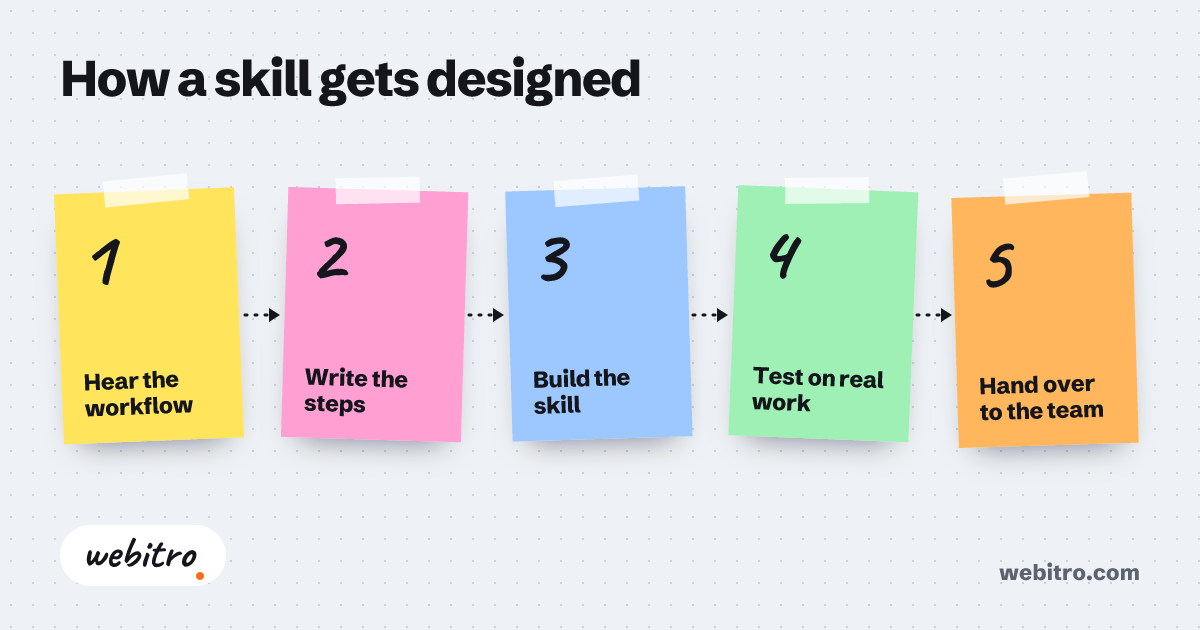
How a skill gets designed
- 1Hear the workflow
- 2Write the steps
- 3Build the skill
- 4Test on real work
- 5Hand over to the team
What a skill actually is
In Anthropic’s Claude Code documentation, a skill is a folder that contains a file called SKILL.md. The top of the file holds the skill’s name and a description of when to use it. Below that come the instructions the assistant follows.
The assistant reads the description and brings the skill in when the topic matches. You can also call it directly by typing a slash and the skill’s name. The full instructions load only when the skill is used, so a long reference text does not take up room in every session.
What we design for you
- Workflow skills: code review, release notes, pre-deployment checks, the path from a bug report to a fix.
- Commands: short skills called with a slash that start a frequent job in one line.
- A project instruction file: a CLAUDE.md that sets out your coding standards, architecture decisions and preferred libraries.
- Supporting files: templates, examples and scripts that sit inside the skill folder.
- Cursor rules for teams that work in Cursor, and the skill version of the same job.
How we work
We start by listening to your team. Which task do you explain again every week? Which step does the assistant skip? That conversation produces a short list.
Then we write the design down: which skill comes in when, which ones only you can call, which tools are allowed. No file is written until you approve it.
During development we test each skill on a real task in your own repository. At handover the files go into your repository and we show your team how to update them. Technical support and consulting continue after that.
The details that make a good skill
Most mistakes happen in the description line. If it is vague, the assistant either never uses the skill or brings it in at the wrong moment. We write that line in the words your team really uses.
For work with side effects, such as a deployment, we switch off automatic use by the assistant. Claude Code has a setting for this, and such a skill runs only when you call it.
Cursor and other AI coding assistant tools
If your team works in Cursor, rules cover the same need. They are instruction files that live inside your project and go into version control. A rule can apply always, on certain file patterns, or when the assistant judges it relevant.
Skills in Claude Code follow the Agent Skills open standard, which works across several AI coding assistant tools. Cursor supports that standard as well. A well-written skill is therefore not locked to one product, although each tool adds fields of its own and we adjust those per tool.
Limits
A skill is a set of instructions and it guarantees nothing. The assistant can still make mistakes, so a person has to review the code it produces.
These tools change often. A skill written today may need another look tomorrow. Webitro is not affiliated with or endorsed by Anthropic or Cursor. We design independently for teams that use their products.
Frequently asked questions
What decides the price of skill design?
The number of workflows that become skills, how detailed those workflows are and how many tools they are prepared for. Supporting files such as scripts and templates add to the work. We have no standard price list. We listen to what you need and send an itemised quote.
Which tools do you write skills and rules for?
Claude Code and Cursor. If your team uses another assistant, we first check its official documentation for instruction and skill support, and then tell you what is possible.
Who owns the skill files?
You do. Skills are plain text files and they go into your repository. Your team can read them, change them and track them in version control like the rest of the code.
What is the difference between a skill and CLAUDE.md?
CLAUDE.md is read at the start of every session, which suits short rules that always apply. The body of a skill loads only when the skill is used. A long procedure or a detailed reference text fits better in a skill.
Is Webitro a partner of Anthropic or Cursor?
No. Webitro is an independent software studio with no affiliation to either company. Claude Code and Cursor are products of their respective owners. We design skills, commands and rules for teams that use them.
Related article
Cursor rules vs skills: what goes where in an AI coding assistant
Cursor rules vs skills, explained from the official docs: what each one is, when it loads, how Claude Code skills fit in and which instructions go where.