Autonomous Systems
An AI automation agency for systems that run themselves
Someone on your team builds the same report every morning, types invoices into the accounts package and chases stock levels. As an AI automation agency we build systems that take over that work with nobody watching. They plan the task, carry it out and log what they did. At a risky step they stop and ask you.
Autonomous Systems
Sample scenario
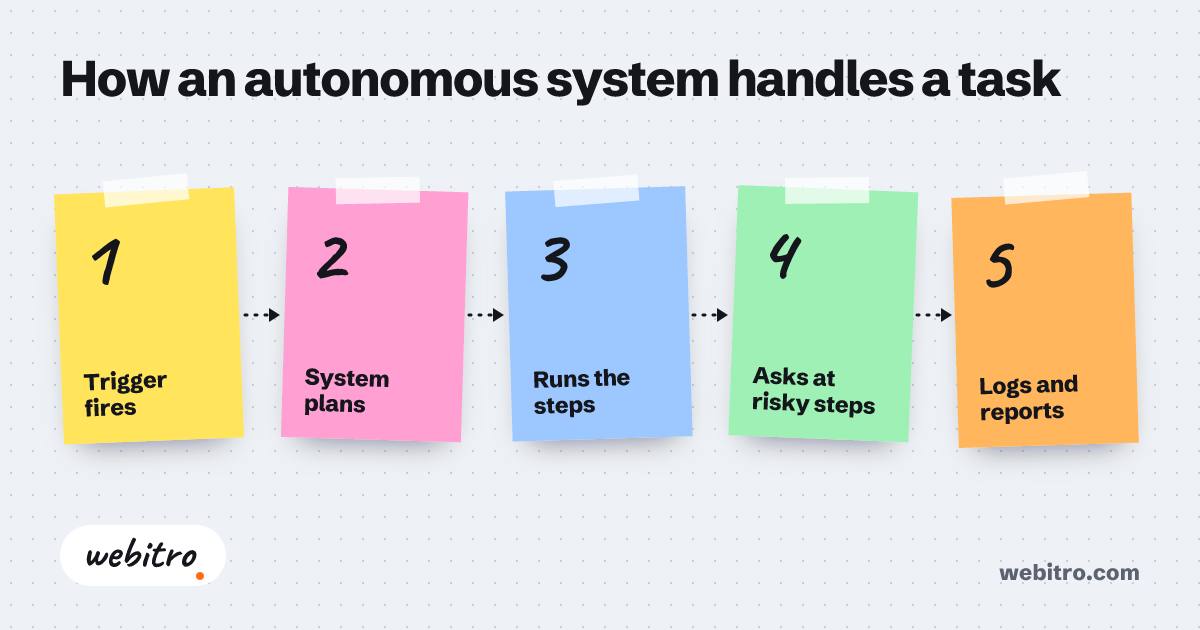
How an autonomous system handles a task
- 1Trigger fires
- 2System plans
- 3Runs the steps
- 4Asks at risky steps
- 5Logs and reports
What an autonomous system is
A chat tool waits for you to type. An autonomous system does not wait. It starts on its own at a set time, when an email arrives or when a file lands in a folder. Then it finishes the job and reports the result.
Inside, autonomous AI agents do the parts that need reading and judgement. Around them sits ordinary software: a scheduler, connections to your tools, a log and a set of rules. You set those rules before the system runs: what it may do alone and what it may only propose.
Work it can take over
- Reads incoming email, sorts it by subject and routes invoices to accounting and complaints to support.
- Collects sales, stock and advertising figures each morning and sends the team a one-page summary.
- Watches public sources such as tender notices or price pages and tells you when something changes.
- Pulls details out of documents: contract dates, invoice lines, form fields.
- Monitors your servers and backups and alerts you when something is wrong.
How it is put together
Every system has four parts. A trigger starts the work: a time, an event or a command. A planner lists the steps. An executor carries them out in your own tools. A control layer records each step and enforces the rules.
The AI model comes in where something has to be read, understood or decided. Exact work, such as calculating a date or adding a row to a table, is done in plain code, because code gives the same result every time.
You stay in control
We build the following controls into a system.
- Logs: each run records which step ran when and what came out.
- Monitoring: you are notified if the system stops or produces something unexpected.
- Human approval: steps that are hard to undo, such as a payment, an email to a customer or a deleted record, wait for your yes.
- Limited access: the system reaches only the accounts and folders opened to it.
- A stop switch: one command pauses all work.
Where it runs
We install the system on your own computer, your own server or in the cloud. A laptop that is shut at night runs no night jobs, so for round-the-clock work we suggest a server or the cloud.
We are not tied to one model provider either. The system can use commercial cloud models or open-source models on your hardware. If data must not leave the building, we take the second route.
Should everything be automated?
No. An AI model may not give the same answer to the same input twice. Work that happens once a month, goes differently each time or is costly to get wrong is better left with a person. Work whose steps never change does not need AI at all. Classic rule-based automation is cheaper and more predictable there.
In the project stage we go through your tasks with you and say plainly which ones are worth automating. No code is written before you approve the design. After delivery we provide technical support around the clock.
Frequently asked questions
How does AI automation pricing work?
The price depends on how many tasks are automated, which systems have to be connected, how often the work runs and how much oversight it needs. Model usage and hosting come on top. We have no standard price list. We listen to what you need and send an itemised quote.
How is this different from a custom AI agent?
An agent is a single AI worker built for one job. An automation system is the whole arrangement around it: scheduling, triggers, logs, monitoring and approval steps. One system may contain several agents.
How will I know if the system makes a mistake?
Every run is logged and you are alerted when something unexpected happens. The log shows at which step the error began.
Will it work with the software I already use?
Yes, if the software has an API, an export function or database access. Without these, tools that operate the screen can be tried, though they break more easily.
Is this the same as RPA?
No. RPA follows fixed steps on structured input, while AI automation can read free text and make a judgement. The two are often combined.
Related article
AI automation vs RPA: an honest comparison and what drives the price
How AI automation and RPA differ, where each one fails, why they are often combined, and what decides the cost of an automation project. No price tables.