Guide · · 5 min read · Webitro team
WhatsApp bot API, Telegram Bot API and Discord: how bots are really built
What the WhatsApp bot API requires, how the Telegram Bot API works and when a Discord bot maker is enough. The steps on each platform and where people get stuck.
A bot goes live in four steps
- 1Register the bot
- 2Get the token
- 3Write the code
- 4Run it on a server
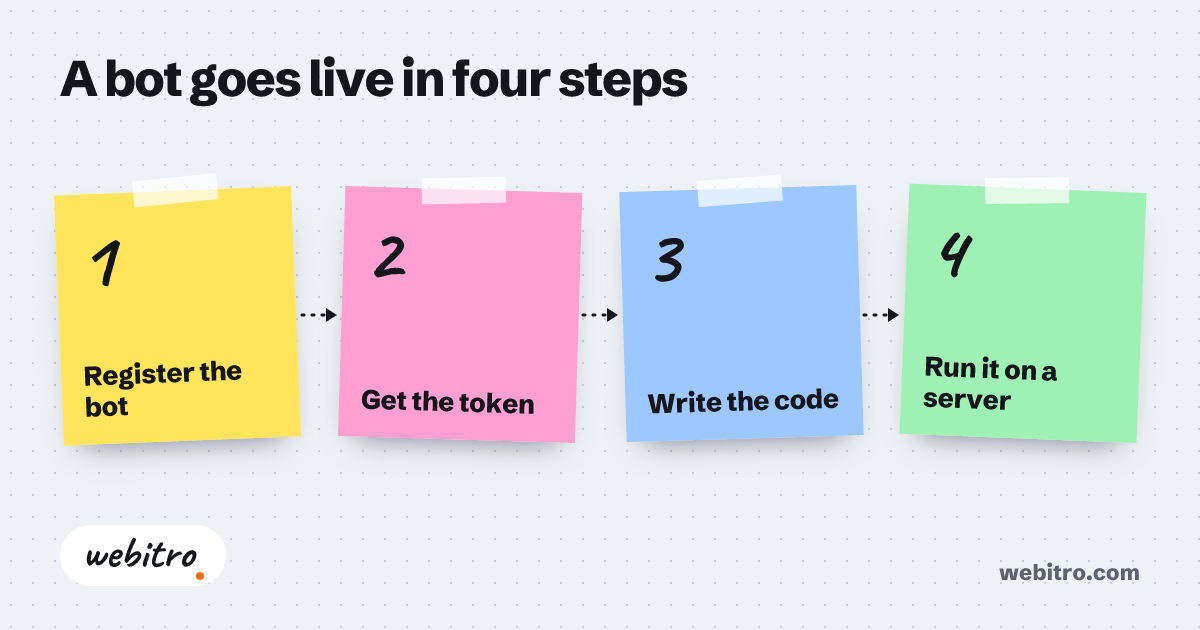
Building a bot is less mysterious than it looks from outside. The logic is the same on all three platforms. You register with the platform as a bot, you receive a key, and you run a program that uses the key to read messages and write replies. The differences are in the details. Telegram is the easiest, Discord asks for a few more settings, and WhatsApp requires a Meta business account.
How the Telegram Bot API works
You never have to leave the app to create a Telegram bot. You message the official account called BotFather, send the new bot command and pick a name and a username. BotFather replies with a long token. That token is the bot’s password, so keep it to yourself.
The rest is code. Your program can connect to the Telegram Bot API in two ways. It can ask at intervals whether there are new messages, or Telegram can push every new message to an address on your server. The first is enough while you experiment. The second is the healthier choice once real users arrive.
- Create the bot with BotFather and copy the token.
- Decide which commands the bot will respond to.
- Write the program that reads a message and replies. Python and JavaScript both have ready-made libraries.
- Put the program on a server that stays switched on.
Discord: bot maker or custom code?
On Discord the starting point is the Developer Portal. You create an application, add a bot to it and copy its token. Then you generate an invite link and bring the bot into your server. While generating the link you choose what the bot is allowed to do: read messages, assign roles, remove members.
Discord bots mostly work through slash commands. The user types the command and the bot answers. If your bot needs to read the content of ordinary messages in channels, you have to switch that permission on separately, and Discord reviews it closely for large bots.
A no-code Discord bot maker covers moderation, welcome messages and role assignment well. If the bot has to reach your own database or follow rules specific to you, you need code. Two widely used libraries are discord.js and discord.py.
Why the WhatsApp bot API is different
WhatsApp has no shortcut like BotFather. Automated business messaging runs through Meta’s WhatsApp Business Platform. To use the WhatsApp bot API you need a Meta business account, a phone number set aside for it and a server address where incoming messages land.
The rules are stricter too. After a customer writes to you, you can reply without a template for 24 hours. Once that window closes, or when you want to start the conversation yourself, you must use message templates that Meta has approved in advance.
You will also find unofficial libraries that work by imitating WhatsApp Web. They are fine for a hobby project. Do not use them on a business line, because WhatsApp’s terms allow the number to be banned.
Turning a bot into an AI chatbot
The steps above give you a bot that responds to commands. For a WhatsApp chatbot AI, or the same thing on Telegram or Discord, a language model sits in the middle. The incoming message goes to the model, the model writes the answer and your program sends it on.
This is where the hard part starts. The model must speak only from your information, must not invent an answer when it does not know, and must hand over to a person at the right moment. The gap between a good bot and an irritating one usually opens at those three points.
Where people get stuck
- Putting the token in the code and pushing it to a public repository. A leaked token means a hijacked bot.
- Running the bot on a laptop. When the laptop sleeps, so does the bot.
- Ignoring the platform’s rate limits. A bot that sends too fast is blocked for a while.
- Not planning for failure. What does the bot say when the system behind it is down?
Writing your own bot is a good learning project. A bot that talks to your customers and takes bookings and orders is a small software product that needs upkeep. That is the point at which you can leave it to us.
Bots
Sample scenario
Frequently asked questions
Is the Telegram Bot API free?
Yes. Telegram does not charge for creating a bot or for using the Bot API. Your costs are the server the bot runs on and the AI model, if you use one.
Can I build a Discord bot without coding?
For simple jobs, yes. A Discord bot maker handles moderation, welcome messages and role assignment without code. A bot that connects to your own systems or follows custom rules needs code.
What affects the WhatsApp bot price?
Meta charges for certain message types depending on category and country, and its rates change over time. On top of that come the server, the AI model and the build itself. Check Meta’s current pricing page before you budget.
Which programming language should a bot be written in?
All three platforms are language-neutral. Any language that can send web requests will do. Python and JavaScript are the most common because both have mature libraries.
Can one bot run on all three platforms?
Yes. The brain of the bot, the part that understands the question and prepares the answer, is written once. Each platform only needs a thin layer that receives and sends messages.