Guide · · 6 min read · Webitro team
AI content creation tools: what they do well and where they fail
What AI content creation tools are, what they write well, where they invent facts and how to brief and edit them so the draft is worth publishing.
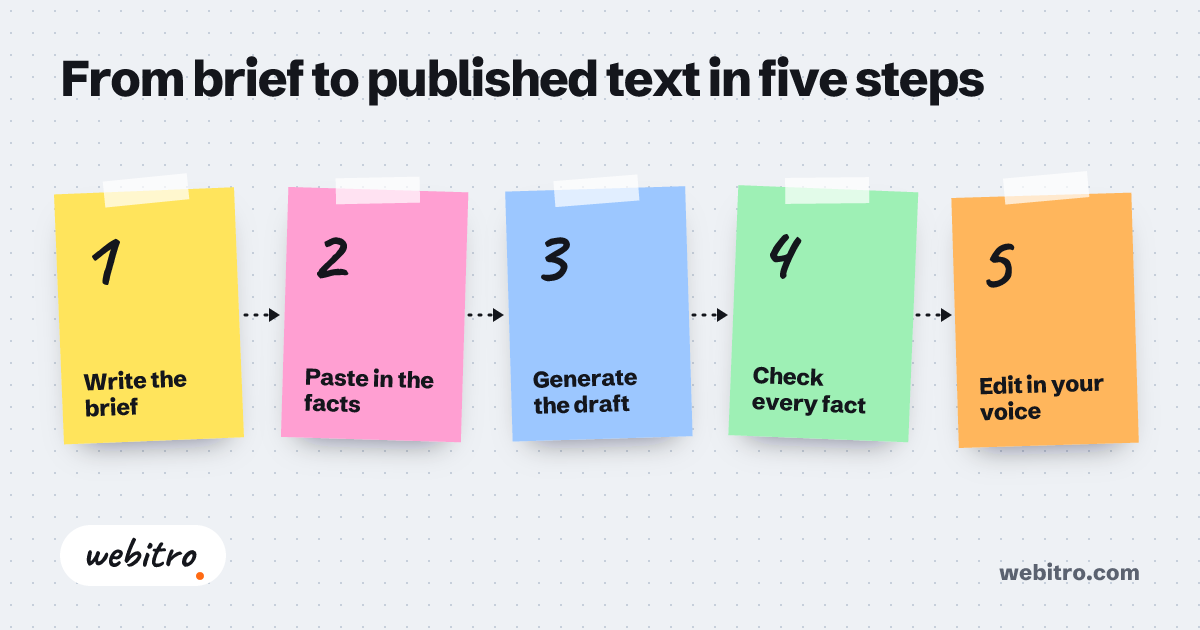
From brief to published text in five steps
- 1Write the brief
- 2Paste in the facts
- 3Generate the draft
- 4Check every fact
- 5Edit in your voice
Most teams meet AI writing through a chat window. Someone types “write a product description for a beige cotton curtain” and gets a tidy paragraph back in seconds. The paragraph is fluent. It is also generic, and it may state a width nobody supplied.
This article explains what AI content creation tools are good at, where they go wrong and how to set them up so the drafts are worth editing.
Three kinds of AI content creation tools
The label covers three different things.
- General chat assistants. You type a request and get text. They are flexible, and everything depends on what you remember to tell them.
- Template-based writing apps. They wrap a model in forms: pick “product description”, fill in the fields, choose a tone. They are quicker for routine work and limited to the forms the vendor designed.
- Custom generators. A tool built for one business and connected to its catalogue, style rules and publishing systems. It takes longer to set up, and it knows your data without being told.
What they do well
All three sit on the same sort of language model. A language model produces text by predicting which words are likely to come next, based on patterns in the text it was trained on. It does not look facts up unless the tool around it supplies them. So it is at its best when the facts already exist and the job is to reshape them.
- First drafts of routine text: descriptions, announcements, replies to common questions.
- Rewriting: shorter, longer, more formal, simpler.
- Variants: one announcement shaped for an email, a social post and a web banner.
- Translation and adaptation between widely used languages.
- Structure: turning rough notes into an outline, or a long document into a summary.
Where they fail
Invented detail is the main risk. Ask for a description without giving the specification and the model fills the gaps with plausible numbers. A reader cannot tell which figures were supplied and which were guessed. Neither can you, unless you check.
The second problem is sameness. Left to its defaults, a model writes in a smooth, even voice that sounds like everyone else using the same tool. Stock phrases creep in. A customer who reads ten product pages in that voice stops reading.
The third is missing knowledge. A model does not know your new price, last week’s policy change or the complaint that arrived this morning. It will write about them anyway if asked.
The brief decides the output
Most disappointing output traces back to a thin request. A useful brief answers five questions.
- Who is reading, and what do they already know?
- What are the facts? Paste them in. Do not expect the model to know them.
- What should the reader do afterwards?
- How long, and in what tone? A sample of your own writing helps more than an adjective.
- What must not appear? List the claims you cannot support and the words your brand avoids.
How to compare tools
Compare “write a post about our new opening hours” with a request that gives the hours, the branch, the reason for the change and two earlier posts as a style sample. The second takes a little longer to write and needs far less editing. Use requests of that second kind when you test.
Feature lists look alike, so test with your own material. Take five real tasks from last week and run them through each candidate. Then ask the following.
- Does it accept your data, such as a product file or a style guide, or only typed text?
- Can you choose the model, or is one fixed?
- Where is your text processed and stored, and is it used for training? Read the terms.
- Can several people share templates and review each other’s drafts?
- Does it connect to where the text ends up, such as your shop or your email system?
Editing is the step nobody can skip
Treat every output as a draft from a quick junior colleague who has never seen your product. Check each fact against the source. Cut the sentences that say nothing. Put back the detail only you know: the customer question that prompted the piece, the thing that went wrong last year.
Search engines look at the result as well. Google’s guidance on generative AI says that producing many pages with such tools without adding value for users may violate its spam policy on scaled content abuse. The same guidance asks site owners to focus on accuracy, quality and relevance. Volume on its own works against you.
Reading the text aloud is the cheapest test there is. A sentence you would never say to a customer across a counter should not be on your site either.
Chat window or custom tool
A chat assistant and a careful brief are enough for a handful of texts a week. The effort sits in the briefing and the editing, and no purchase removes it.
Once the volume grows and each text has to match your catalogue and your voice, an AI content generator connected to your own data starts to justify the setup. That second kind is what we build at Webitro.
Services: An AI content generator built around your business
Content Engine
Sample scenario
Frequently asked questions
What does an AI writing tool cost?
Pricing models vary. Some tools charge per user, some by the amount of text generated, and some offer a limited free tier. Terms change often, so check each provider’s current pricing page before you budget.
Can AI-written text be published without editing?
It can, and it is a bad idea. A model can state wrong facts in confident prose, and unedited text tends to sound like everyone else’s. At minimum, check every fact against its source and remove the filler.
Will search engines penalise AI-written text?
Not for being AI-written. Google’s published guidance does not forbid generative AI and asks for accuracy, quality and relevance. Generating many pages without adding value for users can fall under its scaled content abuse policy, and sites that break spam policies may rank lower or not appear at all.
Which AI model writes best?
There is no fixed answer. Models differ in tone, language coverage and cost, and the order changes with each release. Test two or three on your own tasks and judge by how much editing each draft needs.
Is company data safe in an AI writing tool?
It depends on the provider’s terms. Check where the text is processed, how long it is kept and whether it is used for training. If the data must not leave your company, a model running on your own hardware is the option to look at.