AI Software Development Services: What a Custom Build Actually Involves
AI software development services are custom-built systems where machine learning models do part of the work — reading documents, drafting replies, scoring leads, flagging anomalies — inside a product your team actually opens every day. At Webitro, that means we design the workflow, choose or tune the models, wire the integrations, and hand over something running, not a slide deck describing something that could run.
- Most AI project delays trace back to data plumbing and system integration, not to model quality.
- A prototype running on your own customer data is the cheapest way to find out whether an AI feature belongs in production.
- Custom AI builds make financial sense when the workflow itself is the competitive advantage; everywhere else a hosted tool is cheaper.
Video summary of this article
Watch this video on its own page
Video transcript
Artificial intelligence software development services build custom systems that put machine learning models inside daily work.
Services cover workflow design, model selection, data pipelines, integrations, interface, testing, and monitoring after launch. Better starting points are weekly tasks like invoice matching and lead scoring.
A build moves through discovery, a real data prototype, integration, monitored launch, and tuning. A go or stop decision follows the prototype before heavy integration work begins. Integration usually slips when systems lack documentation or clear owners.
A subscription tool wins when your process already matches the industry default. Custom work pays when the workflow itself is where your margin lives. A middle path rents the model and builds retrieval, prompts, guardrails, and interface.
Cost follows data readiness, systems to connect, and the accuracy your workflow truly needs. Model choice registers far lower by comparison. Going from good enough to near perfect is often the most expensive step.
It pays fastest on high volume, text heavy work people quietly stop doing well. Lead research and document work are common first projects. Internal automation is less glamorous and often the easiest win.
The article has the full details.
If you want a realistic range before you talk to anyone, our breakdown of what custom software really costs walks through the same variables we use in estimates.
What do AI software development services actually include?
They cover the whole path from workflow design to a maintained system: model selection, data pipelines, integrations, the user interface, testing, and monitoring after launch.
Most requests we get start the same way: someone wants an assistant that answers questions. We usually push back. The better starting point is a task that eats hours every week — invoice matching, first-pass contract review, lead scoring, support triage. Once that task is named, we can say whether a model helps or whether plain automation does the job faster and cheaper.
From there the work splits into pieces that are easy to underestimate. Data has to be reachable and reasonably clean. The model has to be chosen or fine-tuned against real examples from your business. Someone has to build the interface people touch, and someone has to write the checks that catch bad output before a customer sees it.
That is the difference between a demo and a product. A demo answers a clean question. Production traffic is messy — typos, scanned PDFs, half-filled forms, angry customers writing in three languages. Our AI software development services are built around that gap, which is why we spend so much of a project on failure cases rather than the happy path.
How does a custom AI build move from idea to launch?
It moves through discovery, a prototype on real data, integration, monitored launch, and ongoing tuning, with a go-or-stop decision after the prototype.
Discovery is a working session, not a requirements document. We watch how the task gets done today, count how often it happens, and write down what a wrong answer costs. That last number decides a lot. If a bad output means a five-minute redo, you can ship early. If it means a compliance problem, testing gets heavier and the timeline stretches.
Next comes a prototype that touches real data, behind a login, on a small slice of the workflow. This is the point where most projects either get cheaper or get honest. People see the output and either relax or realize the task needs to be redefined. We would rather find that out in week three than at launch.
Integration is where the schedule usually slips. Your CRM, your ticketing tool, the shared drive nobody documents — the model has no value until it can read from and write back to those systems. We plan that plumbing early and keep a person in the loop until the error rate settles.
After launch we watch it. Accuracy drifts when customer language shifts or a vendor changes a file format. Monitoring, retraining, and a clear rollback path belong in the contract, not in a conversation six months later.
Custom AI software or an off-the-shelf tool?
A subscription tool wins when your process already matches everyone else's, while custom work pays off when the workflow itself is where your margin lives.
A subscription tool makes sense when your process already looks like the industry default. Email drafting, meeting notes, generic chat support — buy the product, connect the account, move on. Nobody needs a custom build for that, and we say so when it comes up on a call.
Custom work starts to pay when the workflow is the thing that makes you money. A pricing engine tuned to your own margin rules, a document reviewer trained on your contract language, a lead scorer that knows your best customers look nothing like the industry average. Those are not features you can configure in someone else's dashboard.
There is a middle path too: rent the model, build the layer around it. Most of what we deliver uses hosted models and puts the effort into retrieval, prompts, guardrails, and the interface. That keeps the build lean and lets you swap a model later without rewriting the product.
What drives the cost of AI software development?
Cost follows data readiness, the number of systems to connect, and the accuracy your workflow truly needs — the model brand barely moves the number.
Three things move the budget more than anything else: how ready your data is, how many systems we have to connect, and how accurate the output has to be before you trust it. Model choice registers far lower by comparison.
Data readiness is usually the surprise. Records spread across three tools, scanned documents, a spreadsheet only one person understands — cleaning that up is real work and it comes before the model. Skipping it is how projects stall in month two with nothing to show.
Integration surface matters just as much. One clean API is a different project from six systems with no documentation and no owner. If you want a realistic range before you talk to anyone, our breakdown of what custom software really costs walks through the same variables we use in estimates.
Accuracy targets deserve a blunt conversation. Going from good enough to near-perfect is often the most expensive step in the whole build, and plenty of workflows genuinely do not need it.
Where does AI software pay off first?
It pays off fastest on work that is high volume, text heavy, and boring enough that people quietly stop doing it well.
The pattern holds across clients: volume, text, tedium. Those three together justify a build. One of them alone rarely does, and a workflow that happens twice a week should probably stay manual.
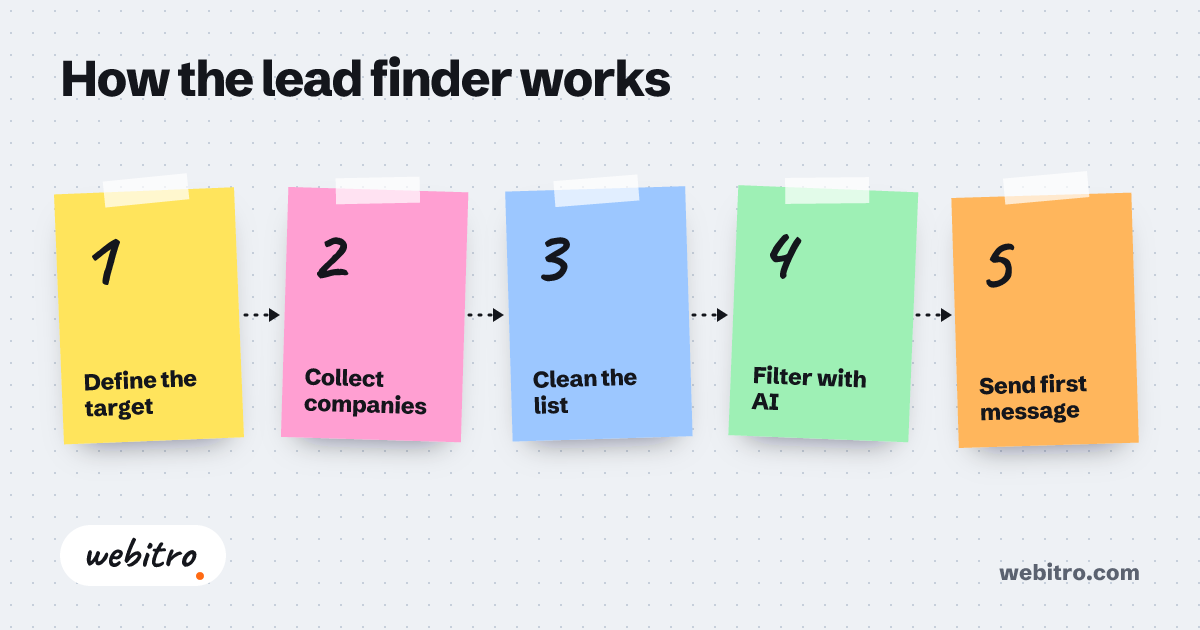
Lead research is a common first project. Someone reads a form, checks the company, guesses fit, writes a note. AI lead generation turns that into a scored queue with the reasoning attached, so the sales team spends its morning on the top of the list instead of the whole list.
Document work is the other big one. Contract review against your own playbook, invoice matching, claims triage, compliance checks on marketing copy. The model reads, flags, and drafts; a person approves. Volume drops, and the reviewer stops skimming.
Internal automation is less glamorous and often the easiest win. Routing tickets, summarizing calls, drafting first responses, keeping records in sync across tools. Nobody demos it. Everyone notices the week it stops.
What should you ask before hiring a development partner?
Ask for a prototype on your own data, ask who owns the code and prompts, and ask what happens when a model provider changes terms.
Ask for a working prototype on your data before you sign a full build. Anyone can show a polished demo on a public dataset. The interesting answer comes when the model meets your messy PDFs and your three-year-old CRM records.
Ask who owns the code, the prompts, and the evaluation set. Ask what happens when a provider changes pricing or deprecates a version. If the answers are vague, keep looking — our notes on what to look for in an AI agent development company cover the same questions in more depth.
Then ask about the handoff. You should end up with documentation, a deploy you can run yourself, and someone on your side who understands the system. A build that only the vendor can operate is a subscription with extra steps.
Our about page lists the people who would actually be on the project, and the studio stays small enough that those names do not change halfway through. That matters more than it sounds when a deadline lands.
Our AI software development services are built around that gap, which is why we spend so much of a project on failure cases rather than the happy path.
Frequently Asked Questions
How long does an AI software build take?
A single workflow with clean data and one integration moves fastest. Anything touching regulated documents or several legacy systems takes longer, and not because of the model — testing and sign-off eat the calendar.
We don't have much clean data. Is that a dealbreaker?
No, but it changes the order of work. We usually start with retrieval over documents you already have instead of training something from scratch, which gets a usable tool in front of people sooner.
Can you build on top of tools we already pay for?
Yes. Most builds sit on hosted models and existing platforms — your CRM, your help desk, your warehouse. Ripping out software the team already knows is rarely the right first move.
Do we need an in-house data team?
Not for most builds. Somebody on your side needs to know the process well, and that is a different skill from data engineering. We handle the pipeline work and leave documentation behind.
Who owns the finished system?
You do. Code, prompts, and documentation transfer to you, and we walk your team through running it. If you would rather we keep operating it, that can be arranged, but it should not be the only option.